
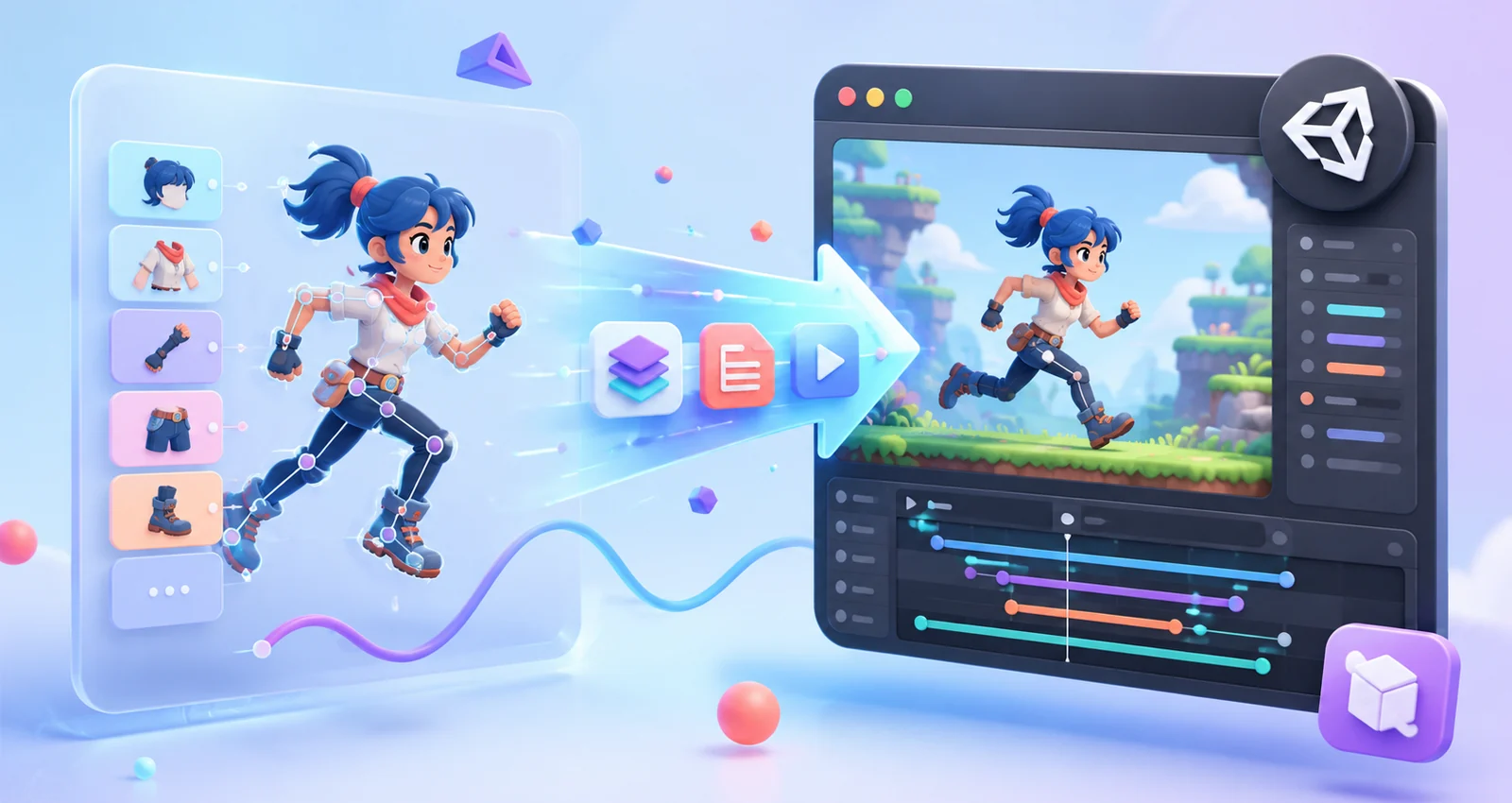
Start with a shared technical target
Before rigging begins, confirm the Spine editor version, the Unity runtime version, target platforms, texture limits and required animation states. The editor and runtime should be compatible; upgrading one side without the other is a common source of broken imports and unexpected playback differences. Put the chosen versions in the production brief so artists and developers are working against the same target.
Prepare artwork for animation, not only for illustration
Layered artwork should follow the movement plan. Separate parts where rotation, deformation or overlap will happen, and keep enough painted area under joints to prevent gaps. Name layers consistently, remove duplicates and agree on the intended pivot points. A beautiful source file can still become expensive to rig if it was not prepared for movement.
Design the rig around gameplay states
A production rig is easier to integrate when its animation names match the game logic. Define states such as idle, move, attack, hit, death and special actions before animation starts. Decide which transitions need blending, which actions can be interrupted and which events must be fired during the timeline. This prevents the developer from reverse-engineering artistic decisions later.
Keep exports predictable
Use a documented export preset for skeleton data, atlas packing and textures. Keep naming stable between revisions so Unity references do not break. Avoid silently changing attachment names, skin names or animation names after integration has started. When a change is necessary, include a short change log with the delivery.
Plan atlas pages and materials
Atlas layout affects texture memory, draw calls and material setup. Group assets that are likely to appear together, while respecting platform texture limits. Additional blend modes or multiple atlas pages can increase material switches, so test the real character in a representative scene rather than judging the export in isolation.
Use animation events deliberately
Events are useful for footsteps, hit frames, projectiles, sound cues and VFX triggers. Keep event names readable and document their expected payloads. Avoid using dozens of events as a substitute for clear gameplay state logic. The animation should communicate timing; the game code should remain responsible for gameplay rules.
Test a vertical slice early
Integrate one representative character before producing the entire animation set. Test scale, sorting, materials, transitions, skin changes, runtime performance and platform builds. A small early test is far cheaper than discovering an export or runtime mismatch after dozens of animations are complete.
Recommended handoff package
A clean delivery normally includes the source project, exported skeleton data, atlas and textures, a preview video or GIF, a list of animation and skin names, editor/runtime versions, event documentation and a concise change log. The goal is that another team member can open the package and understand it without a meeting.
Quick checklist
Before you hand off the asset
- Confirm editor and runtime compatibility
- Lock naming conventions before production
- Test one character in Unity early
- Document events, skins and animations
- Deliver source, exports, previews and a change log
Spine is a trademark of Esoteric Software. Aftermotion Studio is an independent freelance practice and is not affiliated with or endorsed by Esoteric Software.